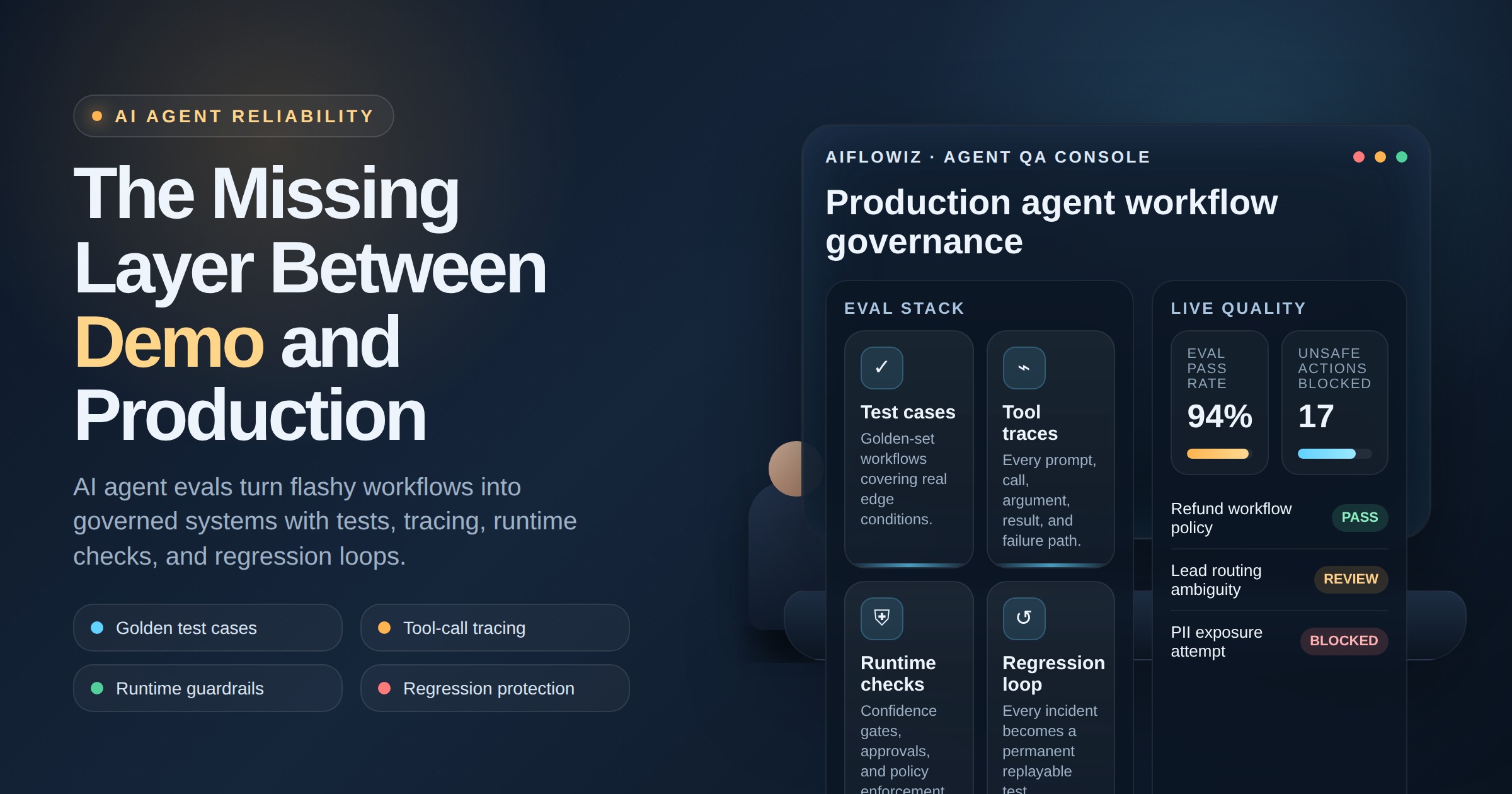
AI Email Triage Agents: Route Revenue Work Before It Stalls
Email triage is where revenue work quietly stalls: new leads, support escalations, vendor requests, invoices, renewals, and customer risks sit in shared inboxes without ownership. AI agents help when they classify, enrich, route, and escalate with clear approval boundaries.

Email triage is not an inbox problem. It is an ownership problem. The real cost is not that people receive too many messages. The cost is that important work enters the business through email, waits in the wrong place, and loses context before anyone acts.
The pain: revenue work hides in shared inboxes
Most businesses have at least one inbox that behaves like an unofficial operating system: sales@, support@, billing@, info@, partnerships@, careers@, vendors@, and the personal inboxes of busy founders or managers.
Inside those inboxes are leads, customer complaints, renewal risks, invoices, purchase requests, legal questions, onboarding tasks, booking requests, refunds, and operational exceptions. Some messages need a reply. Some need a CRM update. Some need a ticket. Some need a human decision. Some should be ignored.
The failure mode is predictable: the team answers the obvious emails and misses the ambiguous ones. High-intent leads get slow replies. Customer issues bounce between departments. Finance requests lack attachments. Support escalations do not reach the right owner. Nobody knows whether the handoff actually happened.
The inbox is only the surface. The workflow underneath is where the money leaks.
The AI opportunity: triage before automation
A good AI email triage agent should not start by sending autonomous replies. That is the risky part, not the valuable part. The first win is classification, enrichment, routing, and escalation.
The agent reads the message, identifies intent, extracts important fields, checks context in systems like CRM or help desk software, assigns priority, routes to the right owner, and prepares the next action. For low-risk cases, it can draft a response. For high-risk cases, it asks for approval.
That makes email usable as an intake channel without letting it remain an unmanaged queue.
A practical triage agent can answer questions like:
- Is this a new sales lead, existing customer, vendor, applicant, spam, or urgent issue?
- Does the sender already exist in the CRM?
- Which account, deal, ticket, invoice, or project does this relate to?
- What information is missing before a human can act?
- Who owns the next step?
- When should the system escalate if nobody responds?
This is where AI agents fit naturally. They handle messy language and context, while the workflow system handles rules, state, approvals, and logs.
A production architecture for email triage agents
The agent should sit inside a controlled workflow, not inside a black-box inbox plugin.
A reliable architecture has seven layers:
- Inbox trigger — new messages arrive from Gmail, Outlook, help desk, or shared mailbox tools.
- Normalization — the workflow extracts sender, recipients, subject, body, attachments, timestamps, and thread history.
- Classification — the AI model labels intent, urgency, sentiment, revenue impact, and required department.
- Context lookup — the workflow checks CRM, ticketing, calendars, documents, orders, invoices, or internal databases.
- Decision rules — business logic decides whether to create a ticket, update a CRM field, notify Slack, assign an owner, request missing data, or draft a reply.
- Human approval — sensitive responses, refunds, contract terms, pricing exceptions, and account-risk messages require review.
- Audit and analytics — every classification, route, action, owner, and approval is logged for improvement.
The AI model should not own the whole process. It should produce structured judgments that the workflow can verify and act on.
ROI: fewer stalls, faster response, cleaner records
Email triage automation creates value because it reduces time-to-owner. That is the metric most teams ignore.
A lead that gets routed in two minutes instead of two hours is more likely to convert. A customer complaint that reaches the right account manager before renewal is less likely to churn. An invoice with missing fields can be sent back automatically before month-end close. A support issue can become a ticket with the right category before the customer repeats themselves.
The measurable ROI usually appears in four places:
- Response speed — high-intent or urgent messages reach the right person faster.
- Conversion lift — sales teams stop missing qualified inbound demand.
- Operational capacity — staff spend less time reading, tagging, forwarding, and copying fields.
- Data quality — CRM, help desk, and finance systems receive cleaner structured records.
The agent does not need to replace the team. It needs to remove the hidden waiting room between message arrival and accountable action.
Guardrails that keep the agent useful
Email is a dangerous place for careless autonomy. People send confidential data, emotional complaints, legal language, pricing requests, and incomplete instructions. A production system needs boundaries.
The minimum guardrails are:
- Confidence thresholds for classification and extraction.
- Approval gates for refunds, discounts, legal language, cancellations, pricing, and executive accounts.
- Sender verification before sharing account-specific information.
- Attachment handling rules for invoices, contracts, IDs, and sensitive files.
- Escalation timers when no human accepts ownership.
- CRM deduplication before creating new leads or contacts.
- Full audit logs for every route, draft, update, and human override.
The goal is not an agent that “does email.” The goal is a controlled intake system that makes ownership visible.
How AIflowiz builds this workflow
AIflowiz can build an AI email triage agent with n8n, CRM integrations, Slack or Teams notifications, help desk routing, document extraction, approval gates, and analytics. The stack depends on your current tools, but the operating model stays the same: classify, enrich, route, escalate, and measure.
We start by mapping the inbox categories that create the most delay or revenue risk. Then we define the fields to extract, systems to update, owners to notify, actions to approve, and failures to escalate. After that, we ship a narrow 7-day PoC that proves whether the workflow reduces stalls before expanding it across departments.
If your business runs on shared inboxes, do not begin with full autonomy. Begin with accountable triage.
Book a free AI audit or a 7-day AI automation PoC with AIflowiz. We will help you turn inbox chaos into a workflow that routes revenue work before it stalls.