AI Agent Approval Workflows: Move Fast Without Shadow AI
AI agents only become useful when they can act across real tools. The operating challenge is giving teams speed without creating shadow AI, uncontrolled permissions, or cleanup work.

AI agents create value when they can act across tools. They create risk for the same reason. The mistake many teams make in 2026 is treating agent deployment like a prompt-writing project instead of an approval workflow with permissions, owners, logs, and rollback paths.
The business pain: shadow agents move faster than governance
Most companies do not have one clean AI adoption path. They have sales teams testing inbox agents, support teams trying ticket triage, operators wiring no-code automations, and managers pasting internal data into whatever tool helps them move faster.
That is not a culture problem. It is a system design problem.
When the official process is slower than the workaround, employees will choose the workaround. The result is shadow AI: agents with unclear permissions, untracked costs, uncertain data exposure, and no defined owner when something goes wrong.
For leaders, the pain is practical:
- nobody knows which agents touch customer data
- prompts and workflows change without review
- tools get connected with broad permissions
- failed actions become manual cleanup work
- finance sees AI spend after the bill arrives
The goal is not to block teams from using agents. The goal is to make safe agent deployment faster than unsafe improvisation.
The AI opportunity: approvals as an operating layer
An AI agent approval workflow is not a committee meeting. It is a lightweight operating layer that decides what an agent is allowed to see, what it is allowed to do, who owns the outcome, and how failures are handled.
In production, the useful question is not “Can the agent complete the task?” The useful question is “Can the business trust the agent under messy conditions?”
That means every serious agent rollout needs four approval boundaries:
- Data boundary — what systems, records, and customer fields the agent can access.
- Action boundary — what the agent can do without human approval.
- Cost boundary — how much it can spend per run, per user, and per month.
- Escalation boundary — when it stops acting and hands work to a person.
This is where many pilots fail. The demo shows the happy path. The business breaks at the boundary.
The implementation architecture that holds
A practical approval workflow for agents has five layers.
1. Intake and use-case scoring
Every requested agent starts with a short intake: business owner, workflow, systems touched, expected volume, data sensitivity, and success metric. This prevents vague “AI assistant” projects and forces the team to name the operational job.
A sales research agent, a refund support agent, and a finance reconciliation agent should not share the same permissions just because they use the same model.
2. Tool permission mapping
The agent’s tools should be listed explicitly. Read-only tools are different from write tools. Drafting an email is different from sending one. Looking up invoice status is different from approving payment.
The safest pattern is progressive access:
- start with read-only retrieval
- allow draft generation
- add human approval for write actions
- only automate low-risk repeat actions after logs prove reliability
3. Human approval gates
Approval gates should live inside the workflow, not in a separate policy document. For example, an agent can draft a CRM update, but a manager approves before the update touches a live customer record.
The gate should capture who approved, what changed, and why the action was allowed. That audit trail matters later when a customer, regulator, or executive asks what happened.
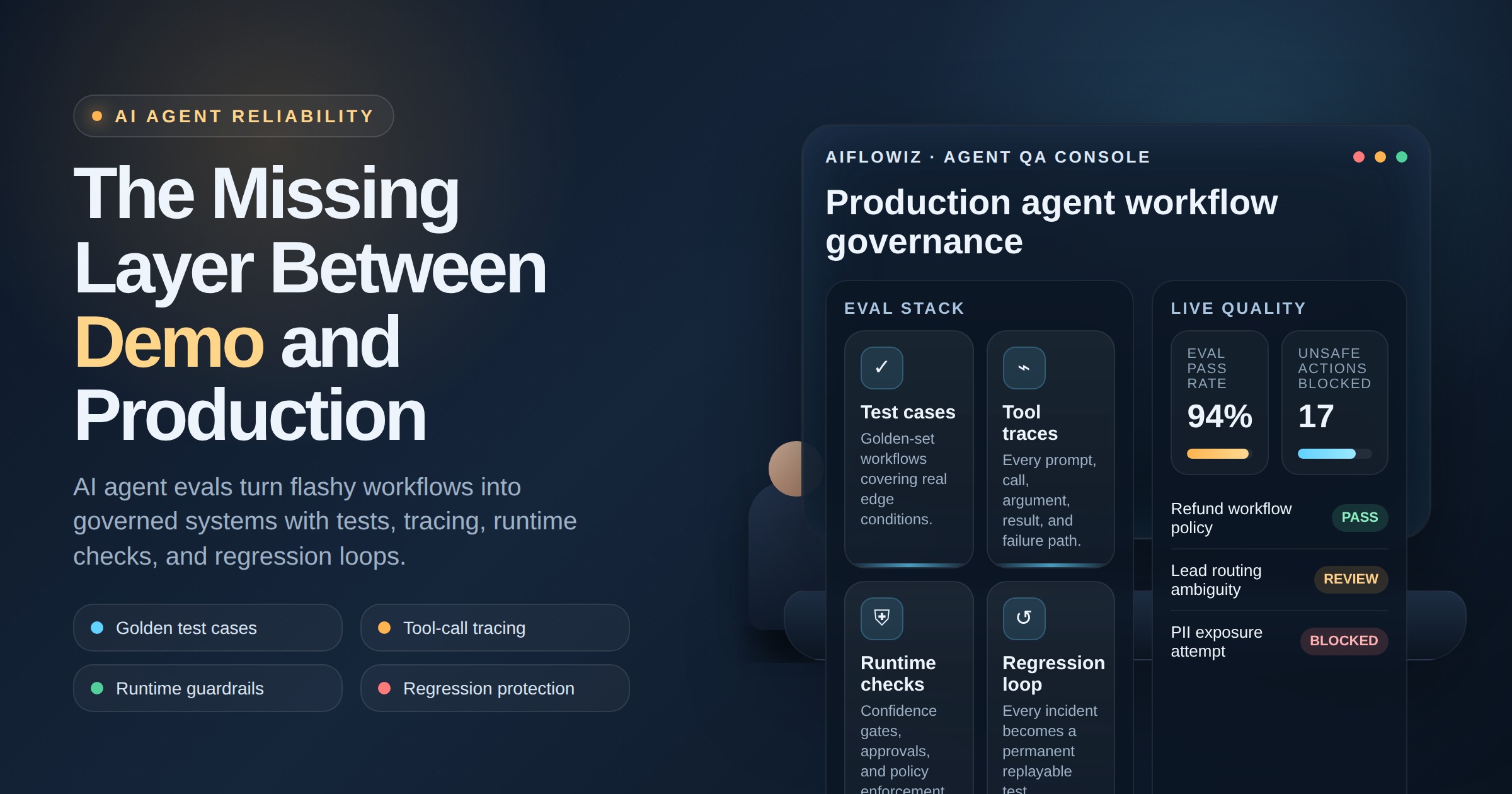
4. Evals, monitoring, and rollback
Before launch, the agent should be tested against real examples: edge cases, bad inputs, missing data, conflicting instructions, and policy-sensitive requests. After launch, it needs monitoring for accuracy, latency, cost, failure rate, and escalation rate.
Rollback should be boring. If a prompt, model, connector, or tool permission causes issues, the workflow should revert without rebuilding the entire system.
5. Ownership and review cadence
Every agent needs an operational owner. Not just a developer. Someone who owns the business outcome, reviews exceptions, approves changes, and decides when to expand or restrict autonomy.
Without ownership, agents become operational debt with API keys.
ROI: speed without cleanup tax
The ROI of agent approval workflows is not only time saved. It is time saved without hidden cleanup.
A controlled agent rollout can reduce repetitive work in sales ops, support triage, research, reporting, and admin workflows. But the business case should include the cost of bad actions avoided:
- fewer manual reversals
- less duplicated work from failed automations
- lower model spend from uncontrolled usage
- fewer security reviews after the fact
- faster approval for legitimate teams that need AI now
A useful metric is cost per approved outcome. Do not only measure how many tasks the agent attempts. Measure how many correct outcomes reach the system of record without creating downstream risk.
Risks and guardrails to build before launch
The most dangerous agents are not the ones that fail loudly. They are the ones that appear to work while quietly changing records, sending messages, or leaking context.
Before launch, build guardrails around:
- Sensitive data: mask or restrict fields the agent does not need.
- Write actions: require approval for irreversible or customer-facing changes.
- Prompt changes: version prompts like code, with owners and rollback.
- Tool access: avoid broad admin permissions; use least privilege.
- Spend: cap tokens, retries, and workflow loops.
- Exceptions: route uncertain cases to humans with context, not just an error message.
The point is not bureaucracy. The point is confidence. If the approval workflow is designed well, teams move faster because the path to production is clear.
Where AIflowiz fits
AIflowiz builds production AI workflows, agents, and automations with the operating controls that make them usable inside real businesses. That includes agent intake, tool permission design, human-in-the-loop gates, logging, evals, cost caps, and workflow orchestration across systems like CRM, email, support desks, spreadsheets, databases, and no-code automation platforms.
If your team already has people experimenting with agents, the next step is not another demo. It is an approval workflow that turns scattered experiments into controlled production systems.
Book a free AI audit or start a 7-day AI automation PoC with AIflowiz. We will help you identify the highest-value workflow, define the boundaries, and build an agent that can act without becoming a liability.