AI Ops for Business Leaders: Evals, Cost Caps, and Guardrails
AI systems need more than prompts before they touch real operations. This guide explains the evals, monitoring, cost controls, and guardrails leaders should require.

AI projects rarely fail in the demo. They fail after launch, when nobody knows whether the model is still accurate, how much it is spending, which workflows are drifting, or who owns the exception. AI ops turns that uncertainty into a managed system.
The Pain: Leaders Are Buying Outputs They Cannot Trust
Most business leaders can see the upside of AI: faster support, faster research, automated document handling, better sales follow-up, and agents that remove repetitive work.
But production AI introduces a new management problem. The same workflow can behave differently across edge cases, model updates, prompt changes, messy data, and tool failures.
Without an operating layer, the business ends up with automation that looks productive until it quietly creates bad records, sends weak answers, burns budget, or routes the wrong case to the wrong team.
Operator truth: Shipping AI is not the finish line. It is the point where measurement starts.
The AI Ops Gap: What Most Teams Forget to Build
A production AI workflow needs more than prompts and API calls. It needs a way to evaluate quality, observe failures, control spend, and decide when humans should intervene.
The common failure modes are predictable:
- no baseline for answer quality
- no tests for workflow changes
- no trace of why an agent took an action
- no cost ceiling per user, task, or workflow
- no alert when retrieval quality drops
- no review queue for high-risk decisions
- no rollback path after a bad deployment
This is why AI ops is becoming a business requirement, not an engineering luxury.
The Architecture: Four Layers of Control
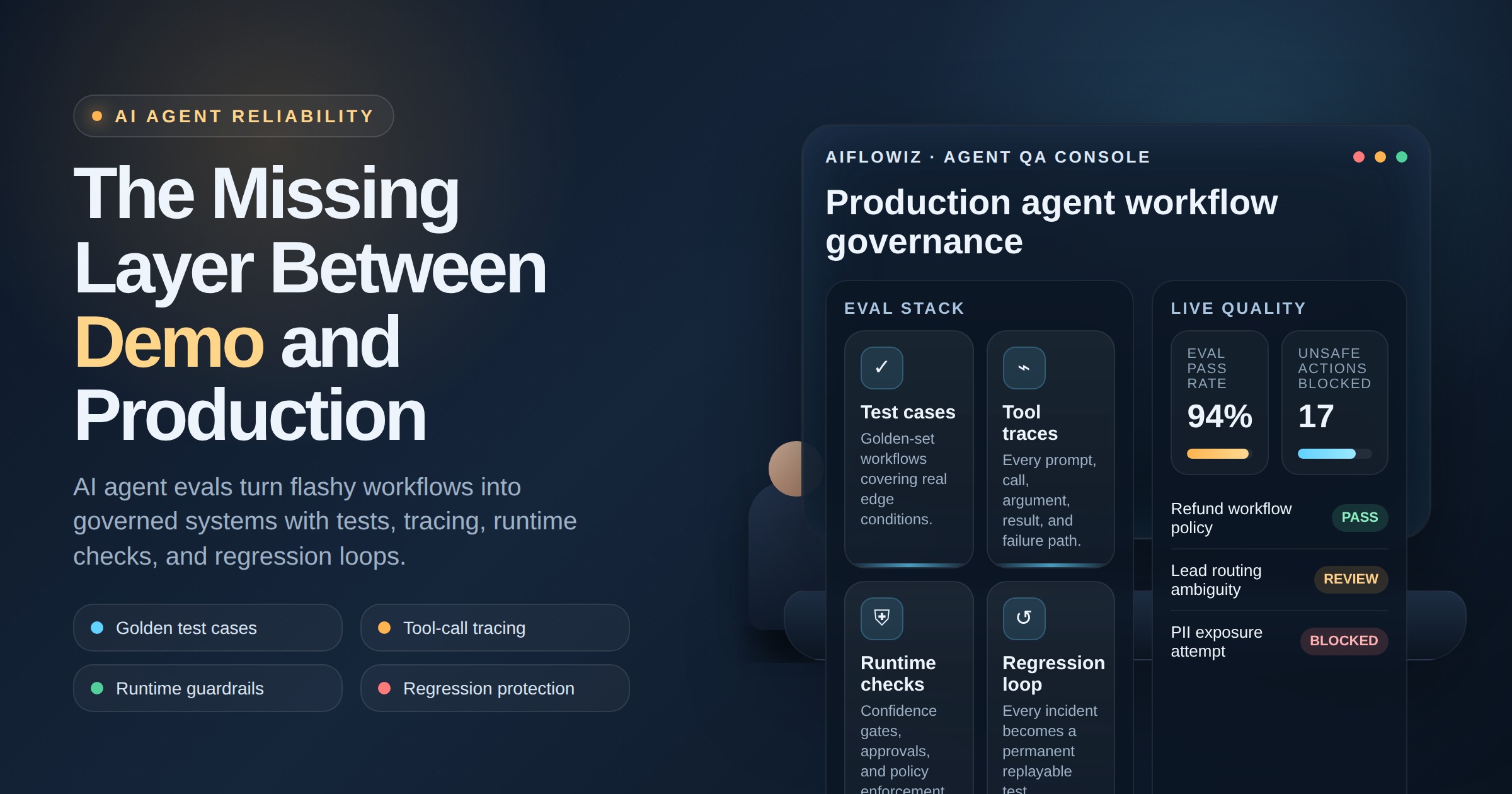
A practical AI ops setup has four layers.
1. Evals
Evals are structured tests for quality. They check whether the system answers correctly, uses the right source, follows policy, extracts the right fields, or chooses the correct tool.
For a chatbot, evals may test source-grounded answers. For Document AI, they may test extraction accuracy and validation rules. For agents, they may test whether the agent asks for approval before using a sensitive tool.
2. Observability
Observability gives teams traces, logs, and dashboards. It shows the prompt, retrieved sources, tool calls, cost, latency, errors, and final outcome.
When something breaks, observability answers the question operators actually ask: what happened, where did it happen, and who needs to fix it?
3. Cost Controls
AI cost is not just a monthly bill. It is a design constraint. Teams need usage limits by workflow, model routing rules, caching, batch processing, and alerts when spend spikes.
The goal is not to use the most powerful model everywhere. The goal is to match model cost to business risk.
4. Guardrails and Review
Guardrails define what the AI can and cannot do. Review queues catch sensitive, low-confidence, expensive, or irreversible actions before they affect customers or records.
This includes approval gates, policy checks, fallback logic, escalation rules, and rollback plans.
ROI: Prevent Silent Failure Before It Becomes Expensive
AI ops pays for itself by reducing rework, preventing bad automation, and making systems safe enough to expand.
Track:
- automation success rate
- exception rate by workflow
- average cost per completed task
- human review volume
- accuracy on golden test sets
- customer escalation caused by AI
- rollback frequency
- time to diagnose incidents
These metrics tell leaders whether AI is creating leverage or just moving work into invisible queues.
Implementation: Start With the Highest-Risk Workflow
Do not build AI ops as a giant platform first. Start where failure costs the most: customer support answers, sales qualification, financial document processing, compliance workflows, or agent actions that write to business systems.
A 30-day implementation can be simple:
- define the workflow and risk categories
- create a golden test set of real examples
- add tracing across prompts, retrieval, tools, and outputs
- set cost caps and model-routing rules
- create review queues for low-confidence or high-risk cases
- run weekly eval reviews and improve the system
Guardrails Business Leaders Should Require
Before expanding any AI workflow, ask for proof of control:
- What does the system do when confidence is low?
- Which actions require human approval?
- Can we see the sources, prompts, and tool calls?
- What is the maximum cost per task or per day?
- How do we test changes before rollout?
- How do we roll back a bad prompt, model, or workflow?
- Who owns exceptions after launch?
If these questions do not have clear answers, the workflow is not production-ready.
AIflowiz builds AI ops layers for production AI systems: evals, traces, cost caps, approval gates, monitoring, and incident playbooks. If your AI workflows are moving from demo to daily operations, book a free AI audit or 7-day AI automation PoC and find the control gaps before they become business risk.