
The brief
The operational problem
AI coding sessions are valuable only while the developer can reach them, understand where they are running, and return to the same work without rebuilding context.
Remote development infrastructure
Persistent AI coding work, controlled from any browser.
The brief
AI coding sessions are valuable only while the developer can reach them, understand where they are running, and return to the same work without rebuilding context.
The system response
TermStream brings server setup, workspace selection, agent launch, and persistent running-session control into one browser interface while the actual work remains on user-owned infrastructure.
Authentic product captures. Use the visible controls, arrow keys, swipe, or drag to move through this project's own workflow.
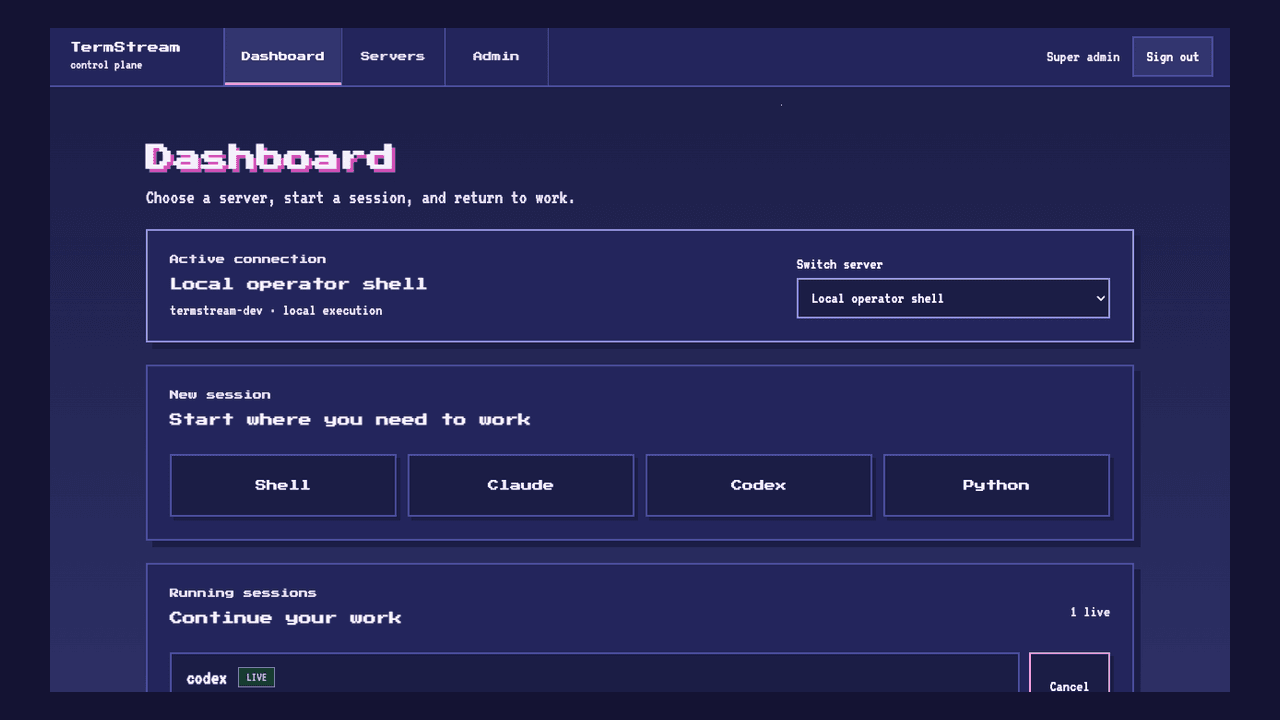
The dashboard keeps server context, launch controls, and running work together in one browser view.
Working sequence
What the system makes possible
Set up access to the infrastructure that will hold the work.
Choose the repository or directory before starting a session.
Start the appropriate coding agent from the browser control plane.
Return from desktop or mobile without treating every disconnect as a restart.
Bring the real workflow. We will map the work, the risks, and the smallest useful first delivery.