
Why Local AI Is Now a Serious Option for Enterprise Teams
On-premise LLMs have crossed the capability threshold where they make business sense for data-sensitive teams. Here's the honest evaluation.
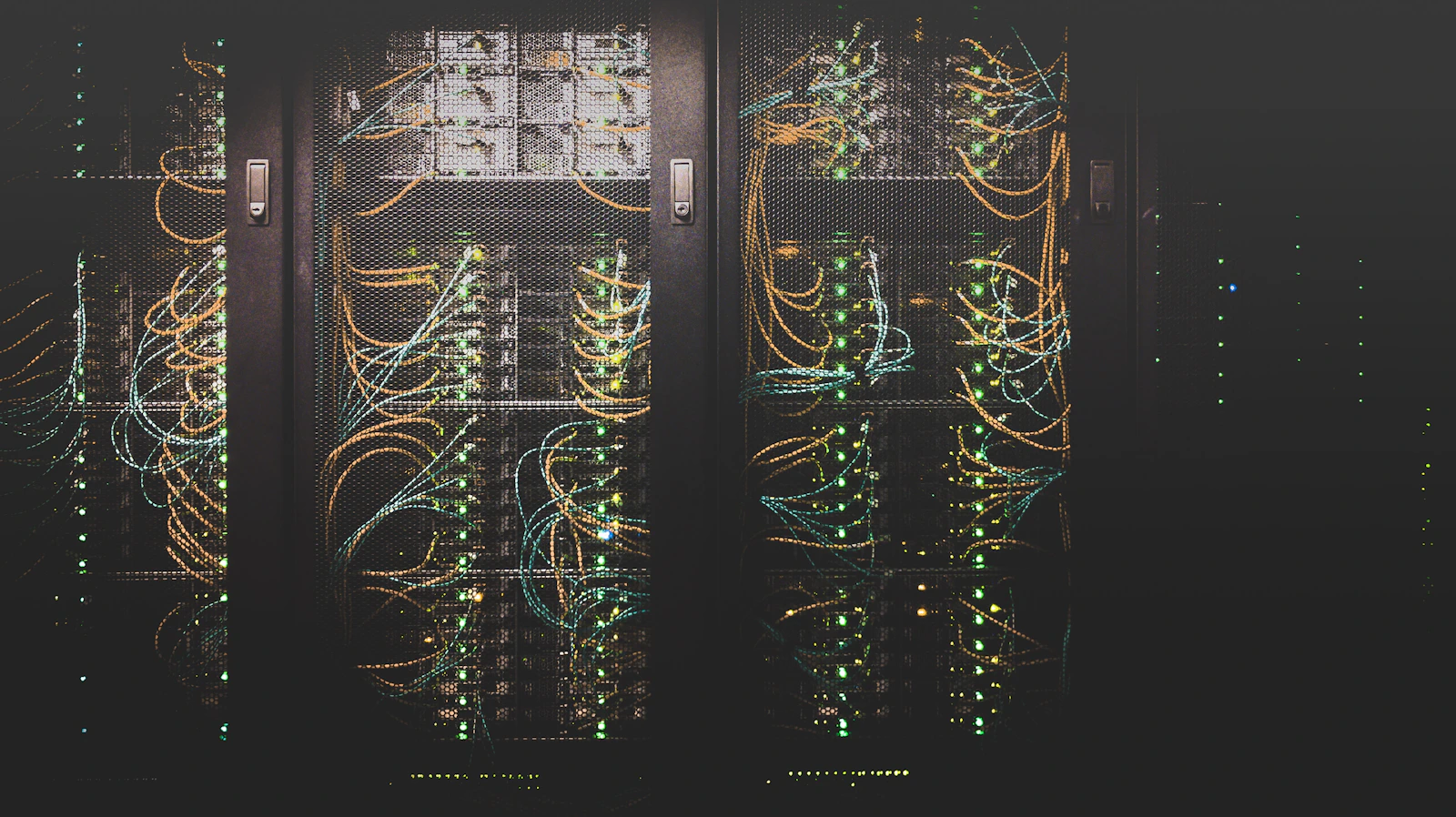
The Case for Running AI On-Prem
Eighteen months ago, suggesting a local LLM for enterprise use was met with polite skepticism. Today, it's a real conversation.
Three things changed:
- Model quality — Llama 3, Mistral, Qwen2, and their derivatives are genuinely capable at tasks that matter for business
- Hardware accessibility — A $15k server now runs models that would have required $500k of infrastructure in 2023
- Tooling maturity — Ollama, vLLM, and LiteLLM make deployment manageable by a small team
When Local AI Makes Sense
Not always. The honest answer is: local AI is the right choice when you have:
Data that can't leave your network
- Medical records (HIPAA)
- Legal documents under NDA
- Financial data under SOC 2 constraints
- Proprietary customer data
Predictable, high-volume workloads
- If you're making 10,000+ API calls per day to OpenAI, the math on owned hardware starts looking interesting within 12-18 months
Latency requirements below 100ms
- Some real-time applications can't tolerate the round-trip to a cloud API
When to Stay in the Cloud
If your use case is exploratory, low-volume, or requires frontier model capabilities (advanced reasoning, multimodal), the cloud is still the right default.
Running local AI is infrastructure. Infrastructure has overhead. Don't take on overhead you don't need.
What a Production Local AI Stack Looks Like
Ollama (model serving)
  ↓
LiteLLM (unified API + fallback routing)
  ↓
Your application
  ↓
Postgres (conversation state + audit log)
LiteLLM is the key piece most teams miss. It gives you:
- OpenAI-compatible API regardless of what model you're running
- Automatic fallback to cloud if local is unavailable
- Cost tracking across all models
The Setup We Recommend
For a team processing sensitive documents:
- Hardware: 2× NVIDIA A10G (24GB VRAM each)
- Model: Qwen2.5-72B-Instruct (quantized to 4-bit)
- Serving: vLLM with PagedAttention
- Router: LiteLLM proxy
- Monitoring: Prometheus + Grafana
Total cost: ~$18k hardware. Breakeven vs. cloud API at roughly 8M tokens/day — which is less than you'd think for a team using AI heavily.
The Bottom Line
Local AI isn't for everyone. But for data-sensitive enterprise teams with predictable workloads, it's crossed the threshold where it deserves a serious evaluation — not a dismissal.